

Design team choosing colours and layouts together at a table
UI/UX Design

Designs That Look Great and Feel Easy to Use

User-friendly website, app and software designs that guide visitors step by step, keep them engaged and turn more of them into happy customers.

  • User-First Approach
  • Clickable Prototypes
  • Mobile-Friendly Screens
  • Developer-Ready Files

What's Included

Our UI/UX Design Services

From the first sketch to developer-ready screens, we design digital products people understand in seconds and enjoy using every day.

Two people discussing ideas on sticky notes on a wall

UX Research & User Analysis

Great design starts with knowing your users. We study your customers, their needs and your competitors, then map the journey people take, so every design decision has a clear reason.

  • User Interviews & Surveys
  • Competitor Review
  • User Personas
  • Customer Journey Mapping
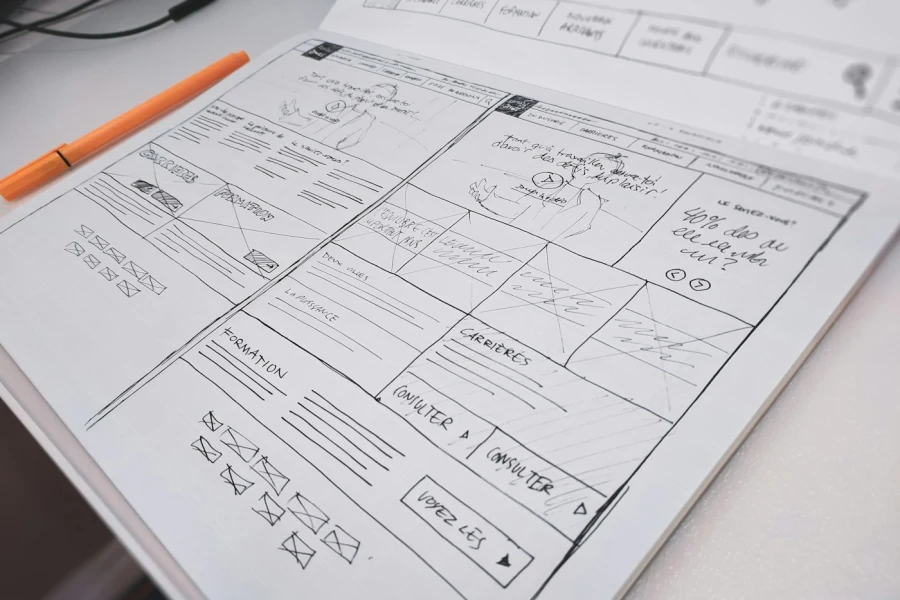
Hand-drawn website wireframe on paper with an orange pen

Wireframes & User Flow

Before adding colours, we plan the structure. Simple wireframes show what goes on each page and how users move from one step to the next, so the layout is right from day one.

  • Site Map & Page Structure
  • User Flow Diagrams
  • Low & High-Fidelity Wireframes
  • Content Layout Planning
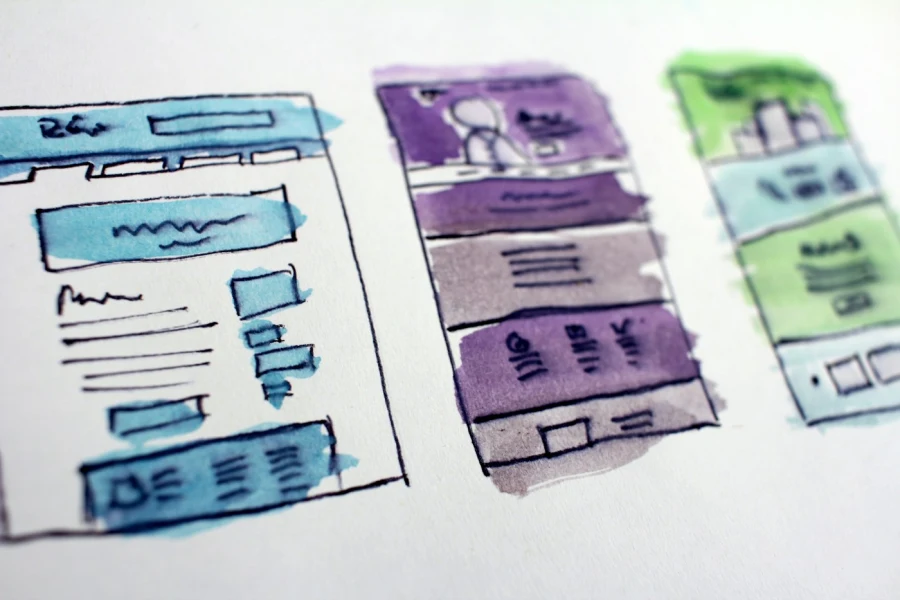
Watercolour sketches of colourful website page layouts

Website UI Design

Your website is often the first impression of your business. We design clean, modern pages in your brand style, with clear headings, strong calls to action and layouts that work on every screen.

  • Home & Inner Page Design
  • Landing Page Design
  • Responsive Layouts
  • Conversion-Focused Design
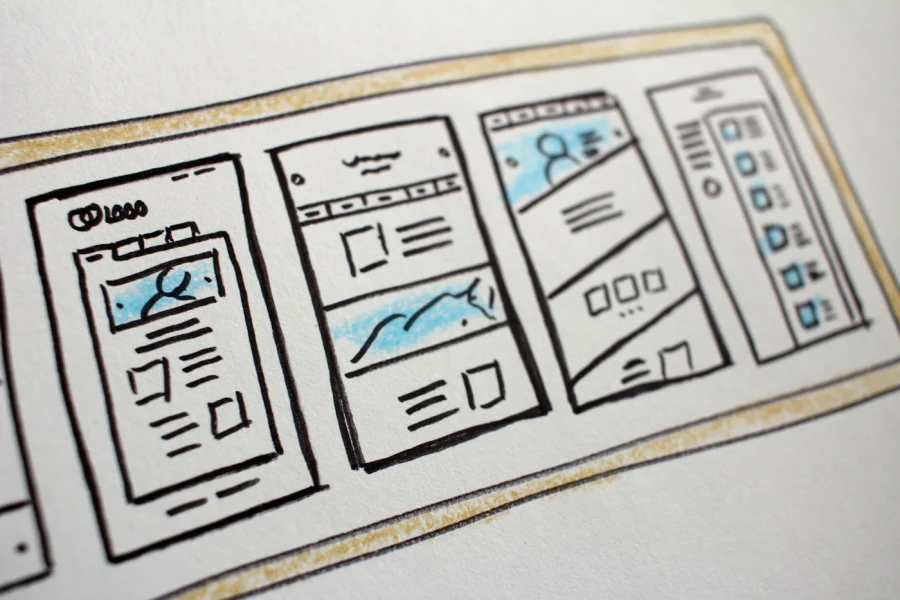
Sketches of mobile app screens drawn on paper

Mobile App UI Design

Small screens need smart design. We create Android and iOS app screens with easy navigation, thumb-friendly buttons and smooth flows, so users find what they need in a few taps.

  • Android & iOS App Screens
  • Easy Navigation & Menus
  • Thumb-Friendly Buttons
  • Onboarding Screens
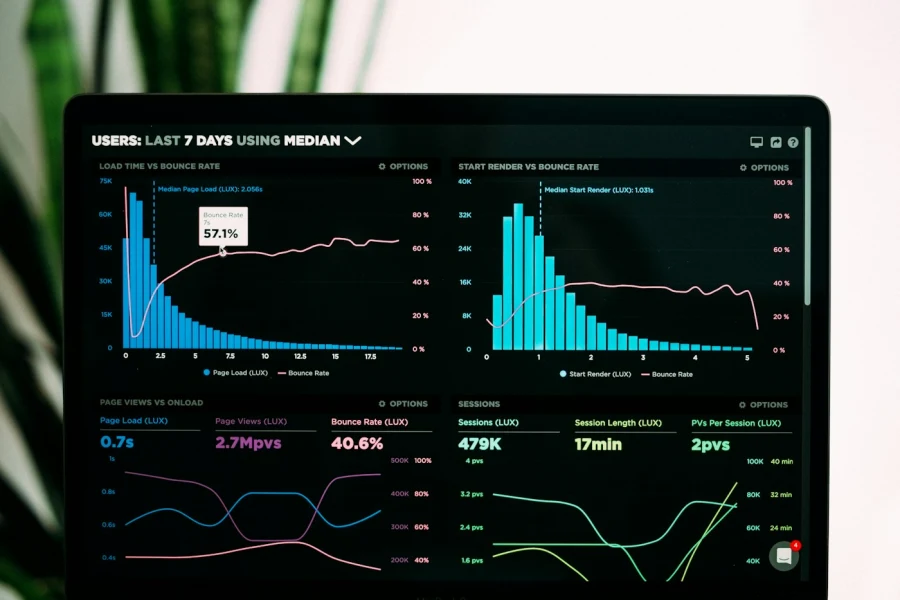
Analytics dashboard with charts on a laptop screen

Dashboard & Software UI Design

Business software should save time, not waste it. We design admin panels, CRM, ERP and SaaS dashboards that show the right data clearly and make daily tasks quick and simple.

  • Admin Panels & Dashboards
  • CRM & ERP Screens
  • SaaS Product Design
  • Charts & Data Display
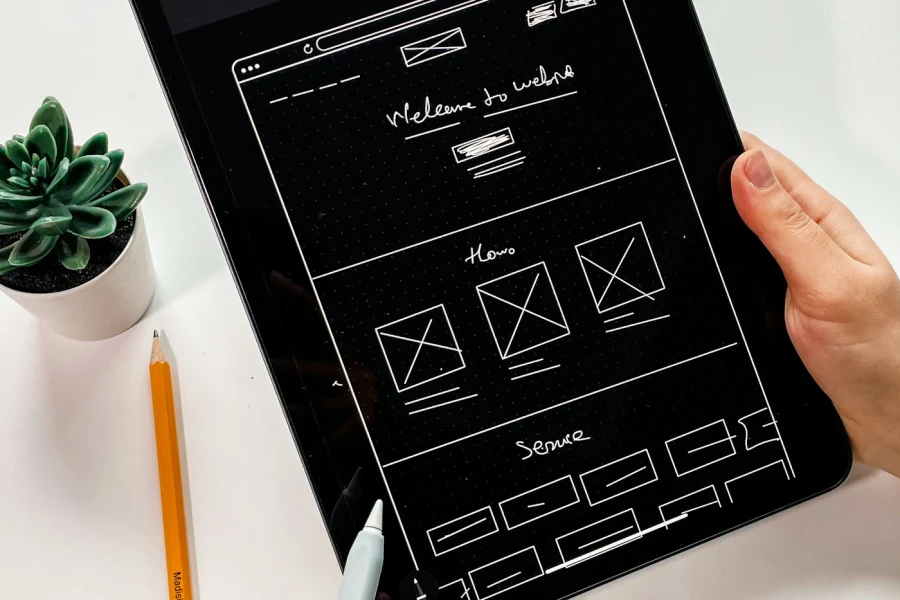
Hand holding a tablet showing a website wireframe

Interactive Prototypes

See and feel your product before it is built. We turn designs into clickable prototypes, so you can test the idea with real users and get feedback before spending on development.

  • Clickable Figma Prototypes
  • Screen Transitions & Animations
  • User Testing Sessions
  • Feedback-Based Changes
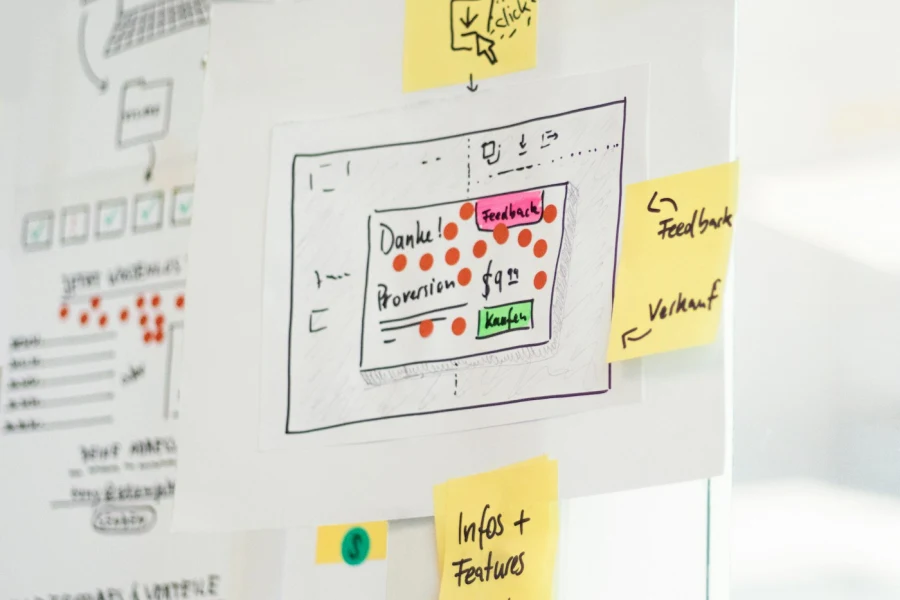
Website wireframes with feedback sticky notes on a glass wall

UX Audit & Redesign

If visitors leave without buying or enquiring, something is in their way. We review your current website or app, find what confuses users and redesign it to improve results.

  • Usability Review
  • Drop-Off & Pain Point Analysis
  • Clear Improvement Report
  • Redesign of Problem Areas
Purple 3D interface icons arranged in a grid

Design Systems & Developer Handoff

Consistent design makes products faster to build and easier to grow. We create reusable components and style guides, and hand over neat files your developers can follow exactly.

  • Reusable UI Components
  • Colour, Font & Spacing Guide
  • Icon & Asset Export
  • Developer-Ready Figma Files
Team planning screen designs with colour cards and sketches

Why Choose Us

Why Choose Us for UI/UX Design

We design for real people and real business goals, so your product is easy to use and brings better results.

  1. 1

    Users at the Centre

    Every screen is planned around what your customers need and how they think.

  2. 2

    Designers Who Know Code

    Our designers work with our developers, so designs are practical and easy to build.

  3. 3

    Test Before You Build

    Clickable prototypes let you check ideas early and avoid costly changes later.

  4. 4

    Clear Steps, Regular Updates

    You see progress at every stage and share feedback directly in Figma.

Industries We Serve

UI/UX Design for Every Industry

We understand how users behave in different industries and design screens that match their habits and needs.

Retail & E-Commerce Smooth shopping flows that lead to more checkouts.
Manufacturing & Export Clear product catalogues and B2B enquiry screens.
Healthcare & Clinics Simple booking and patient screens for all ages.
Real Estate Easy property search, filters and enquiry forms.
Hospitality & Travel Quick booking flows for hotels and travel apps.
Professional Services Trust-building websites and client portals.
Startups & SaaS MVP and product designs ready to impress users.
Logistics & Transport Tracking and fleet dashboards that are easy to read.
Tools we use
FigmaFigJamAdobe XDPhotoshopIllustratorMiroMazeHotjarGoogle AnalyticsLottie

Want a Website or App Users Love?

Tell us about your project and get a clear UI/UX plan to make it simple, beautiful and easy to use.

Let's Connect

FAQ

UI/UX Design Questions

Quick answers to common questions about UI/UX design, prototypes and handoff.

What is the difference between UI and UX design?

UX (user experience) is about how easy and pleasant your website or app is to use: the flow, the steps and the structure. UI (user interface) is how it looks: colours, buttons, fonts and layout. Good design needs both, and we handle them together.

Why should I invest in UI/UX design before development?

Fixing a design on paper is much cheaper than fixing it after the code is written. Clear wireframes and prototypes help developers build the right thing the first time, save money and give your users a product they enjoy.

How long does a UI/UX design project take?

A landing page or small website usually takes one to two weeks. A full website, mobile app or software dashboard can take three to eight weeks, depending on the number of screens and features.

Which tools do you use for design?

We mainly design in Figma, which lets you view, comment on and test designs right in your browser. We also use tools like Adobe XD, Photoshop and Illustrator when needed.

Can you improve the design of my existing website or app?

Yes. We start with a UX audit to find where users get confused or drop off, then redesign those parts to make your website or app easier to use and better at turning visitors into customers.

Will the designs be ready for my developers?

Yes. We deliver organised Figma files with all screens, components, colours, fonts, spacing and assets, so your developers, or ours, can build the design exactly as planned.

Write a Review